

How to declutter your office desk and keep it clear
To declutter your office desk, take everything off it, put back only what you use every day, file or recycle the paper, and give the rest a home in a drawer or on a shared shelf. Then keep it that way with a five-minute reset before you leave each day. A clear desk is faster to find things on and much easier to keep clean.
How do you declutter a desk in one session?
Give it 30 to 45 minutes the first time. After that, it's maintenance.
- Take everything off. All of it, including the monitor stand clutter and whatever is under the keyboard.
- Wipe the bare desk. You'll never have a better chance.
- Make three piles: use daily, use sometimes, don't need.
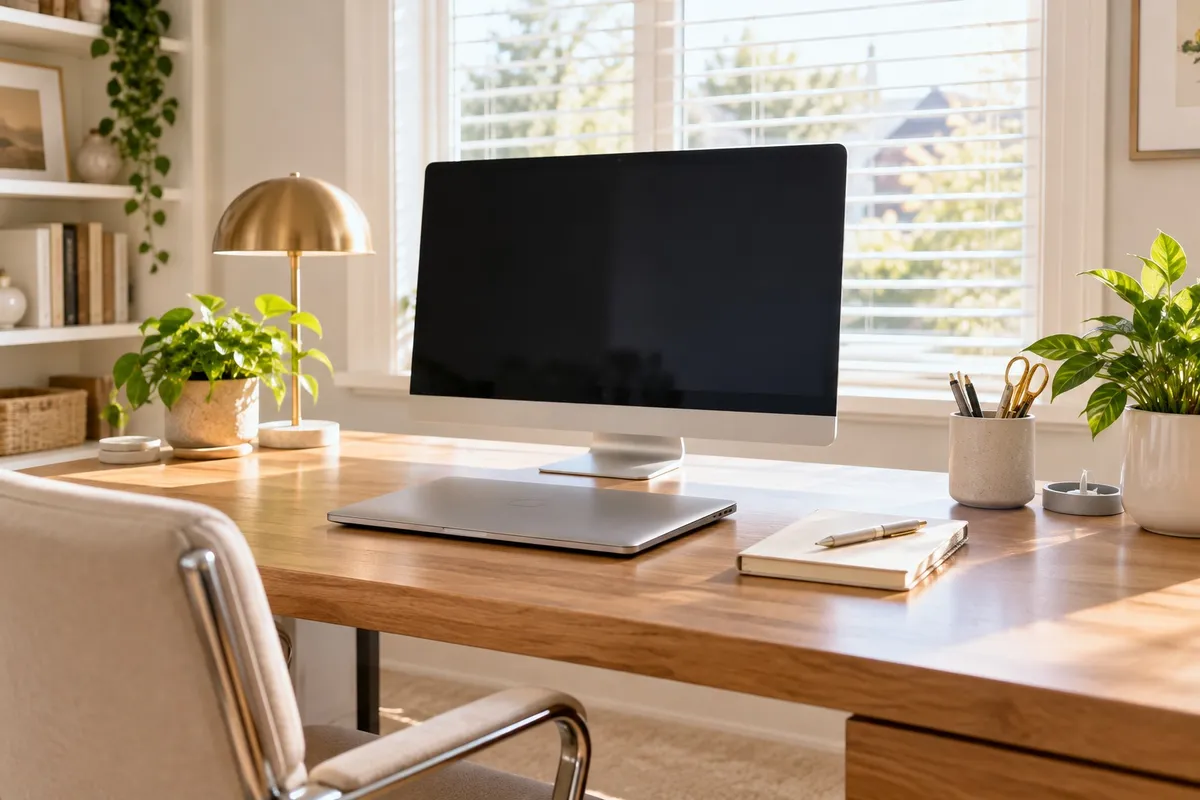
- Put back only the daily pile. That means the computer, a notebook, a pen cup, a phone and the one project in progress.
- Give the "sometimes" pile a home. A drawer, a file box, the supply closet. If it's shared, like the stapler or tape, it goes back to the shared spot.
- Deal with the "don't need" pile today. Recycle, shred, or return it to whoever it belongs to. A bag of it under the desk is still clutter.
What do you do with all the paper?
Sort every piece into one of four places:
- Act on it: one tray, on the desk, for things that need you this week.
- File it: a labeled folder, in a drawer or a cabinet.
- Scan it: if you need the information but not the paper.
- Shred or recycle it: anything that's done, duplicated or out of date.
Paper isn't allowed to sit in a pile. It goes to one of those four places the day it arrives.
What about cables, chargers and the computer clutter?
- Run cables behind or under the desk with a clip, tray or a couple of ties. Cables across the desk collect dust and make wiping impossible.
- One charger per device, at the desk. Extra cables go home or to IT.
- Clean up the computer desktop too. A screen full of icons is the digital version of a paper pile. Make a few folders and file everything into them.
How do you clean a desk, keyboard and monitor?
Once it's clear, cleaning takes a few minutes:
- Desk surface: a microfiber cloth with a little all-purpose cleaner, then dry. On wood, a barely damp cloth and nothing soaking.
- Keyboard: turn it off or unplug it, turn it over and tap out the crumbs, use canned air between the keys, then wipe the keys with a cloth lightly dampened with isopropyl alcohol. Never spray or pour anything onto it.
- Mouse and phone: the same alcohol-dampened cloth. These are touched all day.
- Monitor: a dry microfiber cloth first. If it needs more, a cloth barely dampened with water or a screen cleaner. Spray the cloth, never the screen, and don't press hard.
- Chair arms and the drawer handles: quick wipe, often missed.
How do you keep a desk from getting cluttered again?
This is the part that decides whether the clean desk lasts a week or a year.
- The five-minute reset. Before you leave, clear the desk back to the daily items: papers to their place, cups to the kitchen, trash in the can. The next morning starts clean.
- One in, one out. A new notebook means the old one gets finished or filed.
- Nothing on the floor. Bags, boxes and shoes under a desk become permanent.
- A purge every few months. Drawers fill quietly. Go through them at the end of a quarter or before a holiday.
- Make it a team thing. If the whole office does a reset on the same afternoon, shared spaces like the copier table and the break room get done too. Put on music, set a timer and make it quick.
- Keep supplies central. When every desk has its own stock of pens, tape and sticky notes, every desk has clutter. One shared supply shelf fixes that.
What does an office cleaning take care of?
Decluttering is yours. Cleaning the office around it is where we come in. Tina's Clean Team cleans offices, retail spaces, property common areas and most other commercial spaces. If a space needs a specialized certification, we'll tell you before you book.
What gets cleaned is set for each space, and how often runs from a one-time cleaning up to daily, or more than once a day when a space needs it.
Smaller offices with a clear scope can book directly with our team, no walkthrough needed. Larger spaces, or spaces that are harder to quote, get a free on-site walkthrough with Michael, Tina's son, and a quote.
There are no long-term contracts, and we reply to commercial requests within one business day.
See how it works at Commercial Cleaning.
FAQ
What should be on a clean office desk? Your computer, one notebook, a pen cup, your phone and whatever you're working on today. Everything else belongs in a drawer, a file or a shared supply shelf.
How often should you clean your desk at work? Clear it at the end of each day, wipe the desk, keyboard, mouse and phone once a week, and do a full drawer and paper purge every few months. Shared desks and break room surfaces need wiping more often.
How do you clean a computer keyboard safely? Turn it off or unplug it, turn it upside down and tap out the crumbs, use canned air between the keys, then wipe the keys with a cloth lightly dampened with isopropyl alcohol. Never pour or spray liquid onto it.
Does Tina's Clean Team clean offices? Yes. We clean offices, retail spaces, property common areas and most other commercial spaces.
Request an office cleaning quote
Tell us about your space at tinascleanteam.com/request-a-quote, or call or text (609) 831-4455.
