

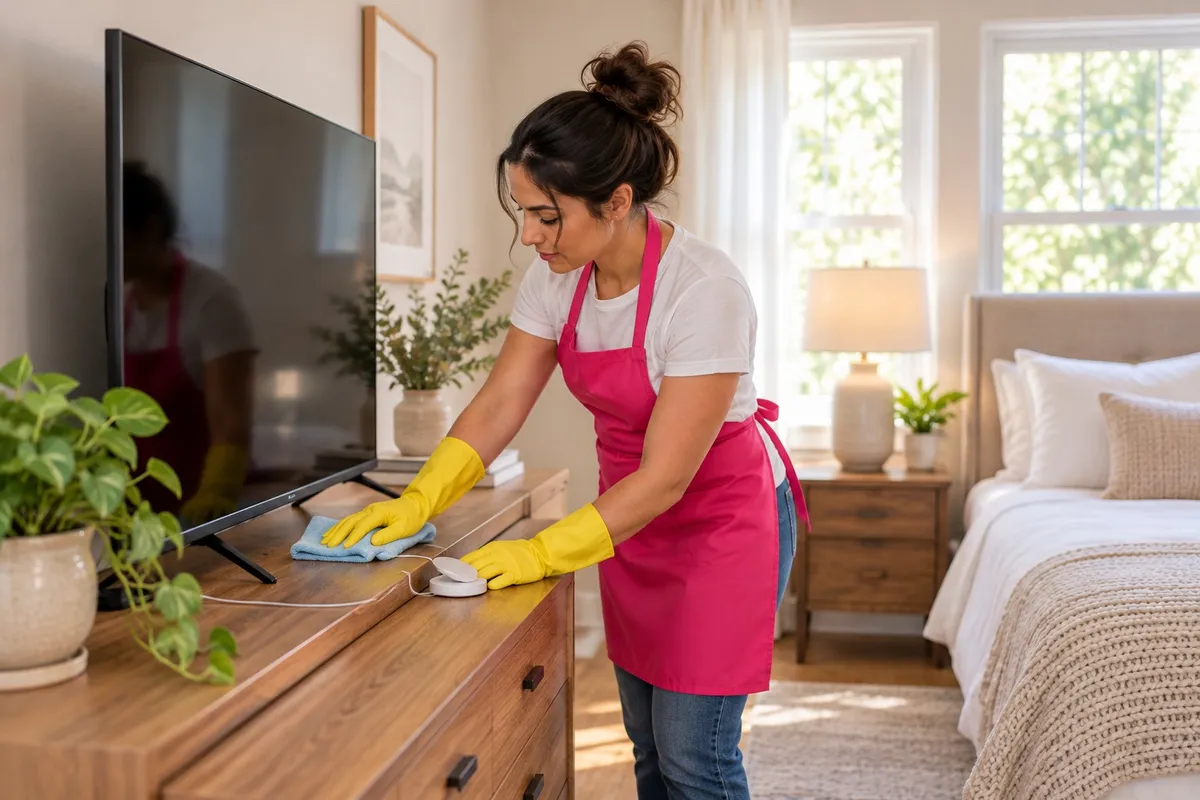
How to clean TVs, laptops and chargers safely
To clean electronics safely, power them off and unplug them, dust with a dry microfiber cloth, and use a cloth that's barely damp with distilled water for smudges. Never spray liquid straight onto a screen or device. Brush and blow dust out of vents, and check the maker's manual before using any cleaner or disinfectant.
What do you need to clean electronics?
- Two or three clean, dry microfiber cloths
- Distilled water, which doesn't leave mineral spots
- A soft, dry brush, like a clean makeup brush or a soft paintbrush
- A can of compressed air
- Cotton swabs
- Your devices' manuals, or the maker's support page
Skip paper towels, tissues, glass cleaner, dish soap and anything with ammonia or bleach. Paper scratches screen coatings, and harsh cleaners can strip them.
The rules for every device
- Power off and unplug. It's safer, and smudges are easier to see on a black screen.
- Let it cool. A warm screen dries streaky.
- Liquid goes on the cloth, not the device, and only barely. If you can squeeze a drop out, it's too wet.
- Keep moisture out of openings: ports, speaker grilles, buttons and vents.
- Dry it fully before you plug it back in.
How do you clean a TV screen?
- Turn it off and let it cool for a few minutes.
- Wipe the screen with a dry microfiber cloth in long, light strokes, top to bottom. Don't press. TV screens flex and can be damaged by pressure.
- For fingerprints, lightly dampen a corner of the cloth with distilled water and wipe again, then follow with the dry side.
- Dust the back of the TV and the vents with the brush or a dry cloth.
- Wipe the stand and the remote last.
If your TV's manual names a screen cleaner it allows, use only that, applied to the cloth.
How do you clean a laptop, keyboard and mouse?
- Screen: same method as the TV, with a lighter touch. Close the lid gently afterward so no cloth fibers get trapped.
- Keyboard: tip it upside down and tap it to shake crumbs loose. Blow between the keys with short bursts of compressed air, holding the can upright. Wipe the keys with a barely damp cloth.
- Trackpad and mouse: a barely damp cloth, then dry.
- Vents: brush them and blow them out with compressed air. A laptop that runs hot or loud often has dust-blocked vents.
How do you clean game consoles and controllers?
Consoles pull air through vents to stay cool, and bedrooms with carpet, pets and kids put a lot of dust in that air.
- Unplug the console and let it cool.
- Dust the outside and the vents with a dry brush and cloth.
- Compressed air in short bursts into the vents, can upright, then vacuum the dust that comes out.
- Controllers: wipe with a barely damp cloth, and use a dry cotton swab around the buttons and the seams where grime builds up.
Keep consoles off the carpet and out of closed cabinets so they can breathe.
How do you clean phones, tablets and chargers?
- Phones and tablets: a microfiber cloth for the screen. Some makers allow specific disinfecting wipes on the outside of the device and some don't, so check the support page for your model.
- Cases: take them off and wash them separately if the maker says the material can be washed. Let them dry fully before they go back on.
- Chargers, cables and power strips: unplug them and wipe them with a dry cloth only. No liquid on anything that plugs into a wall.
- Lamps and alarm clocks: unplug, then dust and wipe the base with a dry cloth.
While you're there, check cords for fraying or bent plug prongs, and replace anything damaged. Cable clips along the back of the nightstand keep cords off the floor, where they collect dust and get caught in the vacuum.
How often should bedroom electronics be cleaned?
- Weekly: dust the TV, console and anything on the nightstand when you dust the room.
- Once or twice a week: wipe phones, remotes and controllers, which get handled all day.
- Monthly: vents, keyboards, chargers and behind the TV stand.
In kids' rooms, controllers and tablets get sticky fast. A wipe after snack-and-screen time saves a scrub later.
What a house cleaning covers in the bedroom
On Standard House Cleaning, RoutineCare, the floors are vacuumed and mopped, reachable surfaces and furniture are dusted, mirrors and glass surfaces are cleaned, and window sills are wiped.
It can be booked one time, weekly, every other week, every 4 weeks or twice a year. See what's covered at House Cleaning, and for the dusting itself, how to dust your home.
FAQ
What can I use to clean a TV screen? Turn it off, let it cool, and wipe it gently with a dry microfiber cloth. For smudges, lightly dampen the cloth with distilled water. Don't use glass cleaner, paper towels or anything sprayed straight onto the screen, and check your TV's manual for what it allows.
Can I use disinfecting wipes on my phone? Some phone and tablet makers allow certain disinfecting wipes on the outside of the device, and some don't. Check the maker's support page for your model, power it off, and keep moisture out of the ports and openings.
How do I get dust out of a game console or laptop vent? Power it off, unplug it and let it cool. Brush the vents with a soft dry brush, then use short bursts of compressed air with the can held upright, and vacuum up what comes out.
How often should bedroom electronics be cleaned? Dust the TV, console and nightstand devices weekly when you dust the room. Wipe phones, remotes and controllers once or twice a week, and do the vents and keyboards once a month.
Book a house cleaning
Tina's Clean Team serves South Jersey and Central Jersey. Book online at tinascleanteam.com/book-now, or call or text (609) 831-4455, Monday to Friday, 9 AM to 5 PM.
