

How to disinfect an office: where germs collect
To disinfect an office, clean first, then disinfect the things hands touch: door handles, light switches, the break room fridge, microwave and coffee maker, faucet handles, the copier keypad, and shared keyboards and phones. Use a registered disinfectant, leave it wet for the contact time on the label, and wipe electronics with a wipe squeezed nearly dry.
What's the difference between cleaning and disinfecting?
- Cleaning removes dirt, grease and some germs with soap or an all-purpose cleaner and a cloth.
- Sanitizing lowers the number of germs on a surface. You'll see it on food-contact products.
- Disinfecting kills the germs listed on the product label, on hard surfaces, when it's used the way the label says.
Disinfectant sprayed on a sticky counter doesn't do its job well, because the grime gets in the way. So it's two steps: clean, then disinfect.
The step people skip is the contact time. Every disinfectant label lists how long the surface has to stay wet. Spray and wipe straight off, and you've cleaned it, not disinfected it.
Where do germs collect in an office?
Wherever a lot of hands land and nobody wipes:
- Doors: handles, push plates, and the keypad or badge reader
- Light switches, especially in restrooms and the break room
- The break room: fridge handle, microwave door and keypad, coffee maker buttons and carafe handle, faucet handles, the water cooler tap
- Shared equipment: copier and printer keypads, the conference room phone, remotes, the shared stapler and tape dispenser
- Hot desks: keyboards, mice, headsets and desk phones that more than one person uses
- Restrooms: flush handles, faucet handles, the soap dispenser, the paper towel lever, door handles on the way out
- Elevator buttons and stair rails
Personal desks matter too, mostly because people eat at them.
How do you disinfect an office, step by step?
- Gloves on. Disinfectants are hard on skin.
- Clean the surface with a cloth and a little all-purpose cleaner or soapy water. Get the grime off.
- Apply the disinfectant so the surface is visibly wet. Spray onto the cloth for anything near electronics.
- Leave it for the full contact time on the label.
- Wipe or let it air dry, whichever the label says. Food-contact surfaces in the break room may need a rinse afterward, and the label will say so.
- Use fresh cloths as you go. One cloth carried from the restroom to the break room spreads germs around instead of removing them.
Color-code your cloths: one color for restrooms only, another for everywhere else. It's a cheap habit, and it means the restroom cloth never touches the break room counter.
How do you clean keyboards, mice and phones?
- Unplug the keyboard or switch the device off.
- Turn the keyboard upside down and tap out the crumbs. A can of compressed air helps between the keys.
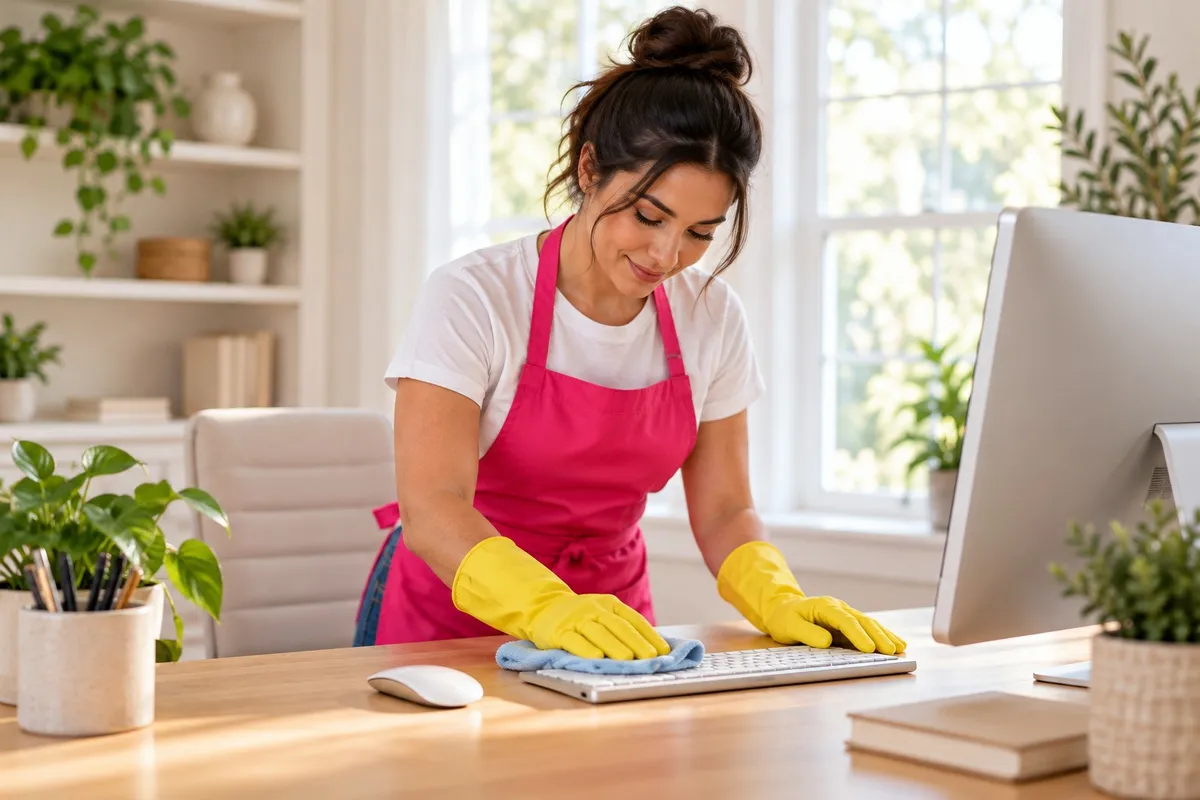
- Wipe the keys, mouse and phone handset with a disinfecting wipe squeezed nearly dry, or an alcohol wipe made for electronics.
- Let it dry fully before plugging it back in.
- For screens, use only what the manufacturer says is screen-safe, on a microfiber cloth. Never spray anything straight onto a screen or keyboard.
Our guide to cleaning and disinfecting high-touch surfaces goes deeper on the method. It's written for homes, and the steps are the same at work.
How do you build a routine that sticks?
- Daily: door handles, light switches, the break room touchpoints, restroom fixtures, the copier keypad. Assign it by name or by rotating week, so it's someone's job.
- Weekly: each person clears and wipes their own desk, keyboard, mouse and phone.
- When someone's been sick: wipe their desk, phone and keyboard before anyone else uses them, along with anything shared they touched.
- Supply stations: a disinfecting wipe canister and hand sanitizer next to the copier, in the break room and in each conference room.
- Handwashing: stocked soap and paper towels in every restroom and the break room. Check them daily.
What if your office allows dogs?
A dog-friendly office needs a few additions to the routine:
- A towel and a mat at the door for wet paws. Muddy prints are easier to stop than to mop.
- Vacuum more often with a pet-hair tool on carpet and upholstered chairs. Fur collects under desks and along baseboards.
- An accident kit: paper towels, gloves, bags and an enzyme cleaner made for pet messes. Enzyme cleaners are made to break down the source of the smell. Blot, apply, give it the time on the label, then blot dry.
- Keep dog bowls off break room counters and away from where food is made. Wash them in a separate sink or tub, not the break room sink.
- Wash dog beds and blankets weekly.
- Check product labels for pets, and let floors dry fully before the dog walks on them.
- Set dog-free zones for anyone with allergies or a fear of dogs, and agree on them before the first dog shows up.
When does an office need a cleaning company?
When the daily list keeps slipping, when the restrooms are the first thing clients see, or when staff are spending real time cleaning.
Tina's Clean Team cleans offices, retail, property common areas and most other commercial spaces across South Jersey and Central Jersey. If a space needs a specialized certification, we'll tell you before you book.
Cleaning can be one-time or up to daily, and more than once a day if a space needs it. We bring standard supplies and equipment, and we can use yours if you prefer.
Smaller offices with a clear scope can book directly with our team, no walkthrough needed. Larger spaces, or ones that are harder to quote, get a free on-site walkthrough with Michael, Tina's son, and a quote. We reply to commercial requests within one business day, and there are no long-term contracts.
See Commercial Cleaning for how it works.
FAQ
What is the difference between cleaning and disinfecting? Cleaning removes dirt, grease and some germs from a surface. Disinfecting uses a registered product to kill the germs listed on its label, and it only works properly on a surface that's already clean, so cleaning always comes first.
How long does disinfectant need to stay wet? As long as the label says. That's the contact time, and it varies a lot from one product to the next. If the surface dries sooner, it hasn't been disinfected, so apply enough to stay wet.
How do you disinfect a keyboard without damaging it? Unplug it or switch it off, turn it upside down and tap out the crumbs, then wipe the keys with a disinfecting wipe squeezed nearly dry. Never spray liquid onto electronics, and check the maker's cleaning guidance for screens.
How often should office touchpoints be disinfected? Door handles, the break room, restroom fixtures and shared equipment every working day. Personal desks, keyboards and phones at least weekly, and right away when someone who was sick has used them.
Request a quote
Tell us about your space at tinascleanteam.com/request-a-quote, or call or text (609) 831-4455.
